2 Voertuigprestaties
2.1 Purpose
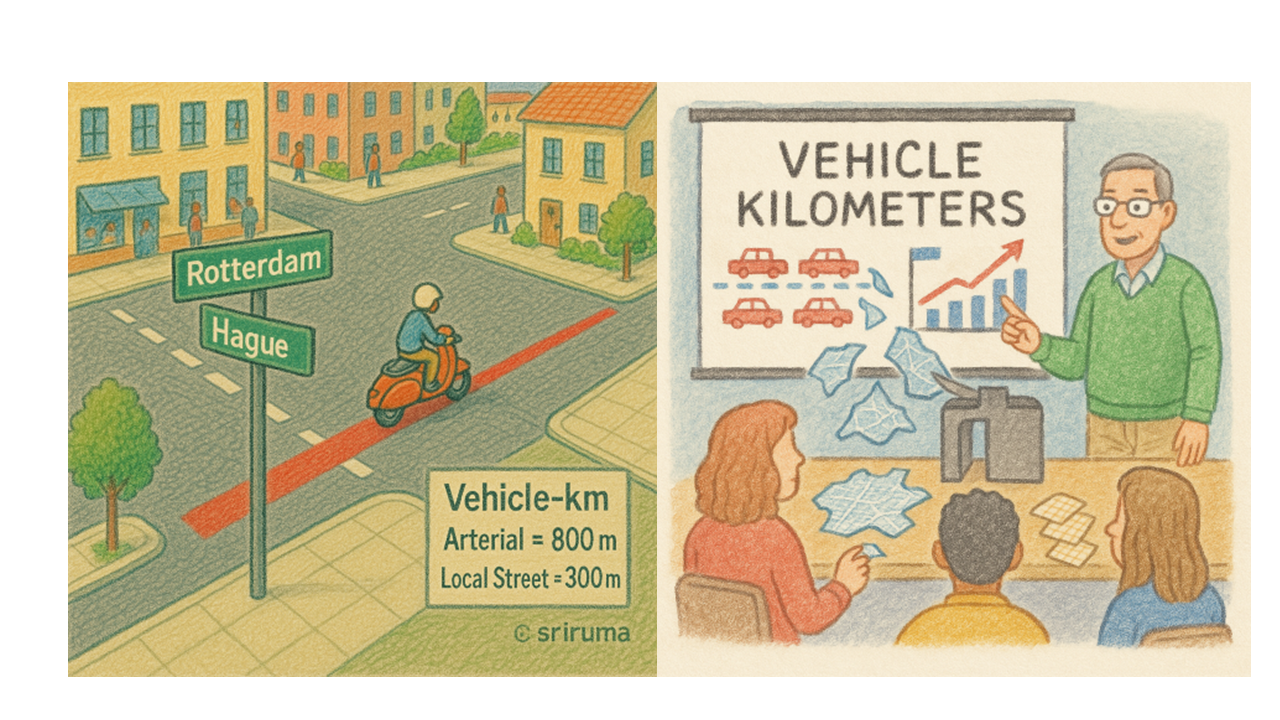
The voertuigprestaties ( or vehicle-km, vehicle-hours) is a performance indicator for the whole network (or selected-part of a network). This indicator shows how many km were travelled by all the vehicles collectively in the network or how many hours were spent by all the vehicles collectively in the network. More time spent by vehicles in the network could indicate congestion. Similarly more vehicle-km driven by vehicles indicate higher pollution/ fuel-usage levels for example.
2.2 Inputs
Be careful! Each line of this job is an input parameter. Read carefully and select the pmturi numbers very carefully.
vgtm.load: In this parameter, you create a list []. Each item in the list is a pmturi and enclosed inside []. Each item is separated by a comma.vgtm.netwerk: In this parameter, you create a list []. Each item in the list is a p and m combination refereing to a network. The number of items in this list should be same as the number of items invgtm.load.vgtm.loadNaam: In this parameter you create a list []. Each item in this list is a string that defines the name of the load defined undervgtm.load. The number of items in this list should be same as the number of items invgtm.load.vtgkm.variant: This parameter is also a list [] and contains items that are names of the variants in your model. It is not necessary that the number of items in this list is same as number of items in thevgtm.load.vtgkm.selectie: If you want to calculate these performance indictors only for a small part of the network, you must first define a selection in omnitrans, give it a name. In this job, you refer to that name in this parameter. Again, this parameters is a list and can take multipleselection-names.vtgkm.wegtype: You have this optional parameter to calculate this indicator only for certain wegtypes. This parameter is again a list of items indicating the wegtype.vtgkm.filterWegtype: You have this optional parameter that a list of wegtypes. For example you want to calculate the indicator for all links but not connectors. Then you must exclude the connector wegtype in this list.
## pmturi load
vtgkm.load          = [ [1,2,1,103,11,20],[1,2,3,103,11,20]]# verplicht!

## opties (pmturi afhankelijk)

# default = Dagdeel factor (1.0)
#~ vtgkm.factoren      = [ 1.0                    1.0    1.0    1.0        ]

vtgkm.netwerk       = [ [2,1],                [2,3]]
vtgkm.loadNaam      = [ "Auto_os",            "Auto_as"]

## opties voor categorieen:
vtgkm.variant = ["2016","2020","2023","2030Laag","2030Hoog","2040Hoog"]
# default = current variant

vtgkm.selectie = ["VTGP_2016","VTGP_2020","VTGP_2023","VTGP_2030",
"VTGP_2030","VTGP_2040"]
# default = hele netwerk


vtgkm.wegtype = 1        # default = none
vtgkm.filterWegtype = [14,15,16,17,18,19,20,21,22,51,99]
2.3 Outputs
You also have to control the output format. The output can be in two formats: excel or openoffice. If you are working on the MRDH servers, you must open/ uncomment the ## extra opties voor excel and the the lines below it. On MRDH severs, you can set vtgkm.openoffice = true
2.4 Code
Download the code.matrixcompress.rb